
Discover how an AI cartoon generator lets anyone create vibrant illustrations from text prompts. Learn about top tools like Firefly, DALL·E, and Midjourney, plus a simple step-by-step guide to make your own cartoon images easily.
AI Cartoon Generator: Revolutionizing Cartoon Creation
AI cartoon generators are transforming digital illustration by letting anyone create custom cartoons with just words. For example, Adobe Firefly offers an AI cartoon generator feature that promises, “All you need are your own words to begin transforming ideas into eye-catching cartoons.” This means non-artists can instantly produce polished drawings. It’s ideal for educators, marketers or hobbyists who want quick visual content without learning to draw.
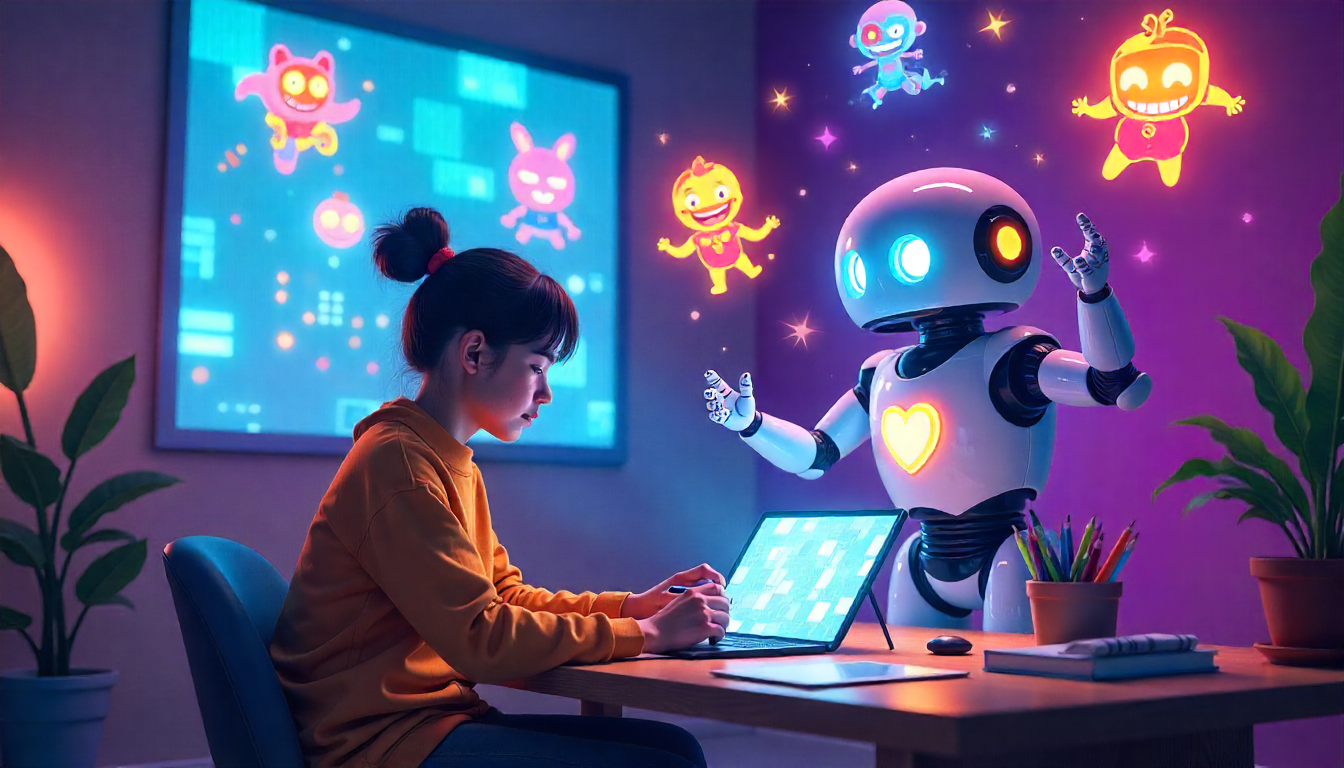
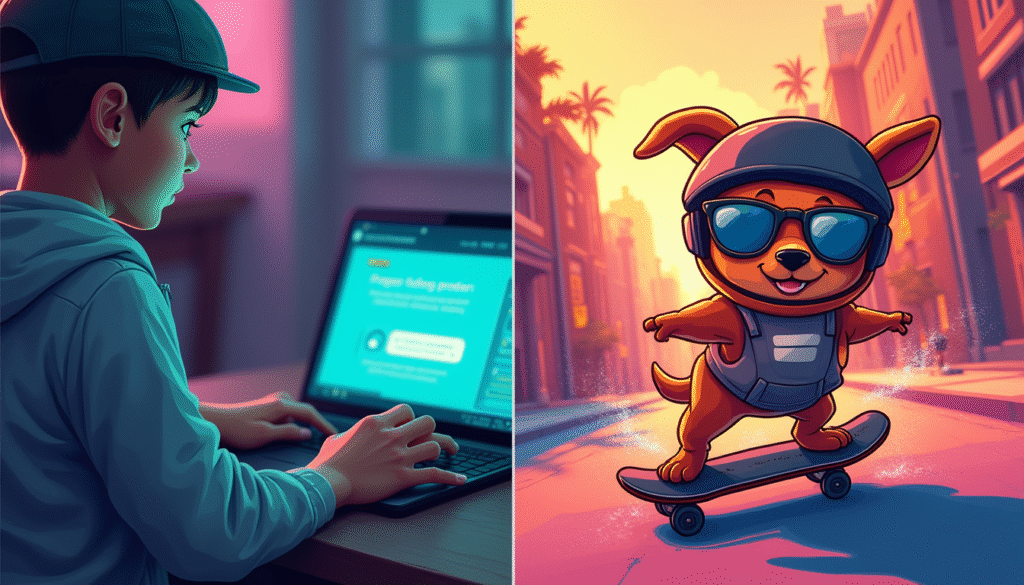
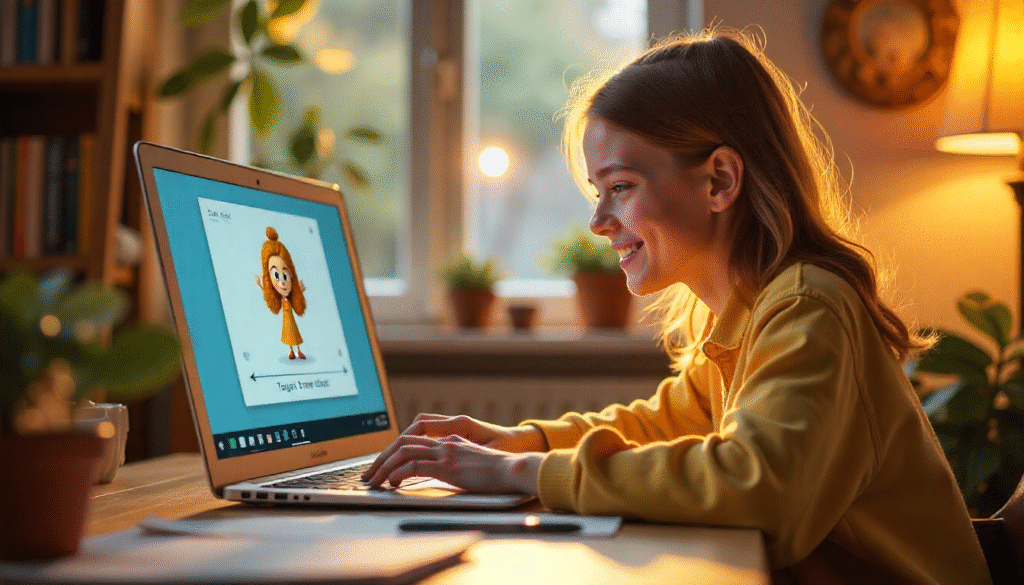
The example above was created by an AI cartoon generator from a simple text prompt, demonstrating the vibrant characters these models can produce. AI models can turn a phrase into an illustration – from robots to storybook animals – in moments. For instance, Firefly’s AI identifies the subject, action, and style from a prompt like “a cartoon dog riding a skateboard” and uses that to guide its bold, stylized output.
- No design skills needed: The AI handles the artistry. You really don’t need to know how to draw the model generates characters, backgrounds, and even motion automatically.
- Rapid content creation: Instead of hours of hand-drawing, an AI cartoon generator produces polished images in seconds or minutes. These tools turn your prompt into a finished cartoon almost instantly.
- Built-in style control: Many platforms include presets or filters. For example, Adobe Firefly lets you choose effects like Cartoon, Anime, and Comic to easily customize the look and mood of your image.
- Easy iteration: It’s simple to tweak and regenerate images. Change a detail in your description (color, pose, etc.) or add adjectives and try again until the cartoon looks just right. This iterative process makes visual brainstorming as easy as editing text.
Top AI Cartoon Generator Tools and Technologies
- Generative Adversarial Networks (GANs): These AI systems train two neural networks (a generator and a discriminator) together to create new images. With enough examples, GANs learn to generate authentic-looking visuals in the style of their training data. They can invent highly realistic cartoon characters, textures or scenes by iteratively improving the output until it “fools” the discriminator.
- Stable Diffusion: An open-source text-to-image model. It starts with random noise and progressively “denoises” it into a finished image guided by your text prompt. Stable Diffusion is popular for generating smooth, stylized cartoon or anime art. Because it’s open-source, many creators use custom models and prompt techniques to fine-tune the cartoon effect.
- Midjourney: A user-favorite AI art tool (via Discord) known for its bold, painterly style. It excels at turning creative prompts into vivid, dreamlike cartoon scenes and characters.
- DALL·E (OpenAI): A powerful text-to-image generator fine-tuned for imaginative artwork. DALL·E can produce clean, whimsical cartoon images from detailed prompts. (With the latest DALL·E 3, integrated into ChatGPT, even beginners get help writing effective prompts.)
- Mobile and Web Apps (e.g. ArtLeap.ai, Prisma): Easy-to-use apps and websites let anyone apply cartoon filters or generate art on the go. For example, the ArtLeap app advertises one-tap effects to turn your photos into vibrant digital art. These tools use AI to “cartoonize” selfies or create avatars, making creative self-expression effortless for all ages.
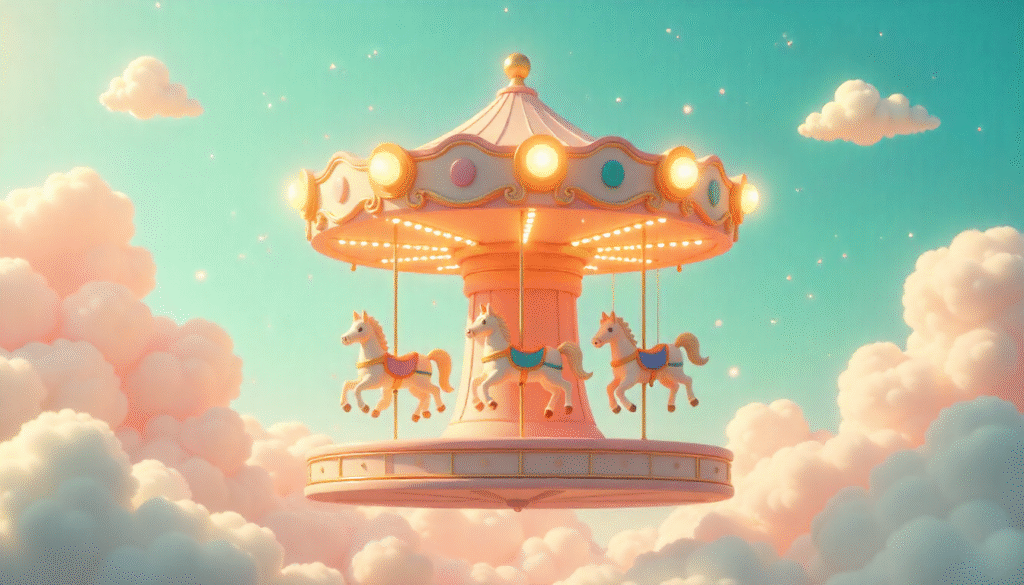
Each of these technologies makes cartoon creation faster and more accessible. (The image above is an example of what these AI models can produce from a simple concept.)
Step-by-Step Guide to Using an AI Cartoon Generator
- Choose an AI cartoon generator. Pick the platform that suits your needs. Beginners might try free or beginner-friendly tools like Canva’s AI Image Generator, Google’s Imagen, or mobile apps like ArtLeap or Fotor. Professionals and hobbyists may prefer Adobe Firefly, Midjourney, or DALL·E for more control.
- Write a detailed prompt. Describe exactly what you want to see. Include the subject, action, style, colors, and mood. For example: “A cartoon girl reading a book under a cherry blossom tree, pastel colors, flat 2D style.” AI guidance suggests using plenty of adjectives (bright, whimsical, retro, etc.) to steer the model.
- Select a style or filter (if available). Many tools let you pick an artistic style. For example, choose a “Cartoon” or “Anime” effect, adjust lighting or color, or even upload a reference image to guide the look. This fine-tuning helps you get a retro comic-book feel or a clean vector style, depending on your project.
- Generate and refine. Submit your prompt and let the AI create the image. Review the result carefully. If something looks off, tweak your prompt or settings and try again. Change one word or add a detail (like “sunny day” or “pink tree”) to see how the output changes. Iteration is key – most tools allow multiple attempts until you have the perfect cartoon.
- Download and use. Once satisfied, download the final cartoon image (commonly in PNG or JPEG format). You can then use it in slides, social media posts, classroom materials, blog graphics or anywhere you need an illustration.
After these steps, you’ll have a custom cartoon image ready to use. The AI has done the drawing – you’re free to focus on creative ideas.
ArtLeap: A Cutting-Edge Solution
ArtLeap simplifies cartoon creation. Its one-tap features, mobile interface, and filters like “Cartoon” or “Sketch” make it ideal for beginners. You can:
- Instantly turn selfies into cartoon avatars
- Use creative overlays and double exposures
- Explore art with zero technical skill
Great for students, teachers, and creators who want results fast.